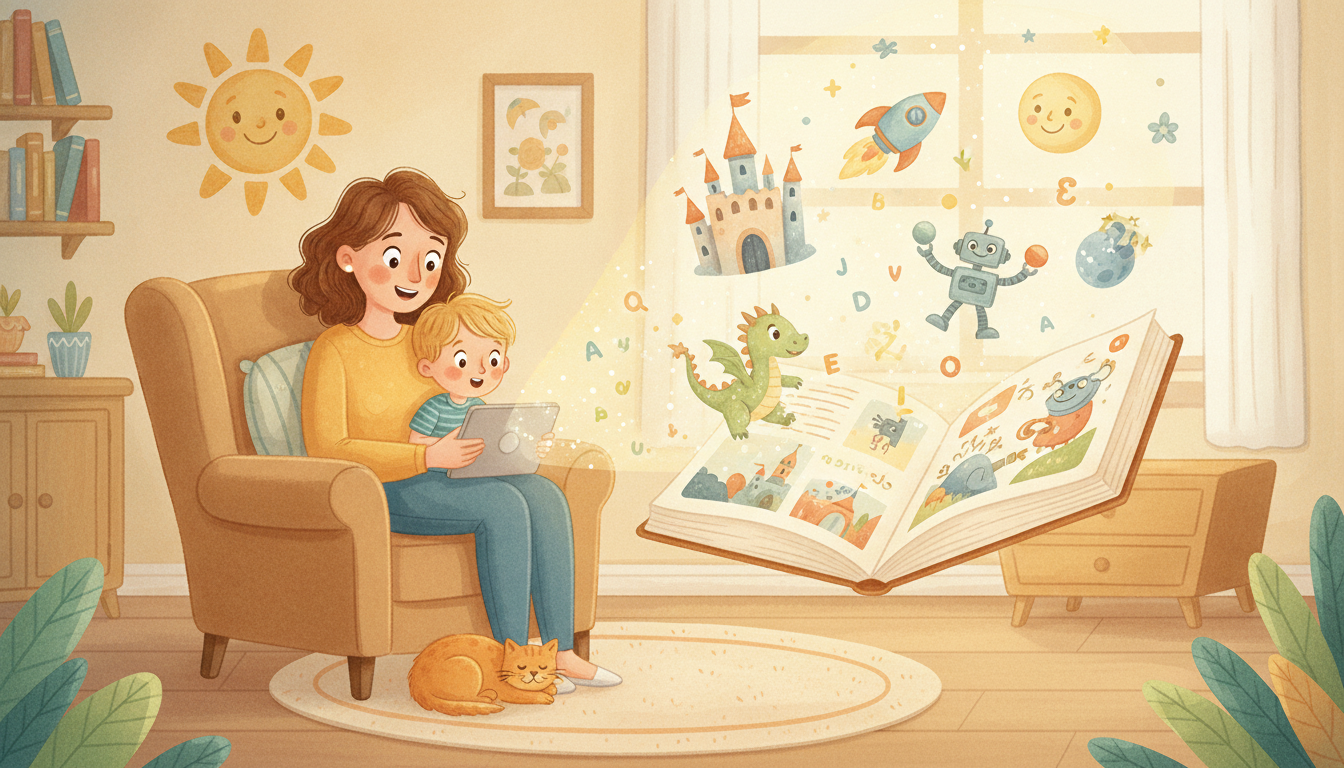
Bedtime stories have always been a one-of-a-kind ritual, but now you can turn your child into the hero of the tale. With an ai story book generator with pictures, you can write a simple story, pick an illustration style, and see a finished page appear in seconds. Tools like Fablekit keep your main character looking the same on every page, which matters more than you might think.
How do you find an illustration style that fits your reader?
Match the art to the child's age and the mood of your story. A 4-year-old often gravitates toward bright, blocky characters, while a 7-year-old may prefer softer shading and background detail. The style should serve the tale, not compete with it.
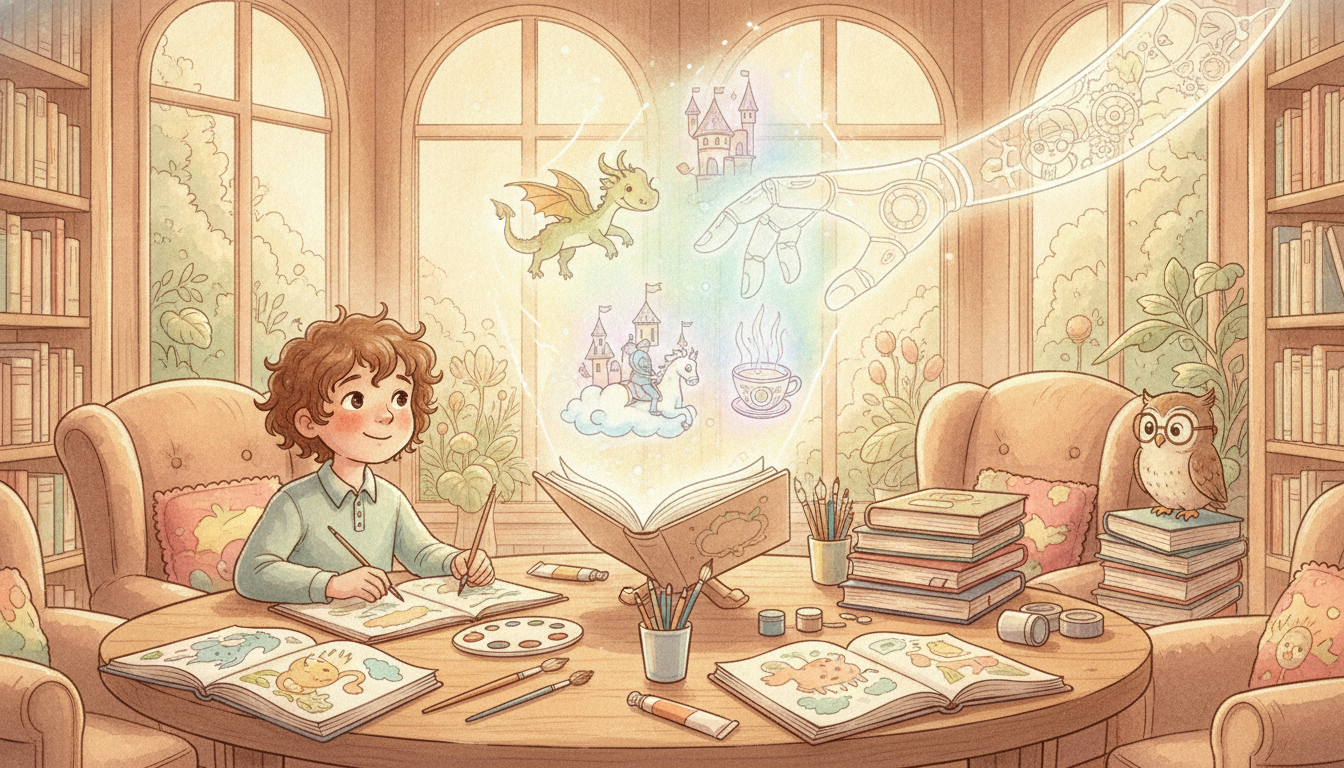
Classic children's book illustration styles like watercolor, collage, and simple line art each carry a different mood. A watercolor rabbit feels gentle and dreamy, while bold collage pages feel playful and energetic. When you use an AI illustrations generator, you get the best results by naming the medium in your prompt, such as "watercolor of a curious rabbit." If the art style stays consistent from page to page, the whole book feels like one cohesive storybook illustration rather than a patchwork of images. Picture a 4-year-old turning each page and recognizing not just the story, but the same visual world. That feeling is worth the extra prompt tweaking.
How do you keep your main character consistent from start to finish?
Describe your character the same way in every prompt, and use a tool that saves that description as a reference. This is how you keep a rabbit's ear from shifting position or a girl's hair color from changing between pages. Young readers notice when something is off, even if they can't name it.
Write down your character's defining traits, hair color, favorite accessory, build, and the color of their outfit, and repeat them in every image prompt. Some AI platforms let you upload a reference image or save a character seed, so the same friend appears on page 1 and page 20 without re-drawing. For ai illustrations in children's books, this consistency is what separates a keepsake from a random collection of generated pictures. When the hero stays recognizable, kids can follow the story with their eyes and their hearts.
How do you turn a simple idea into an illustrated page?
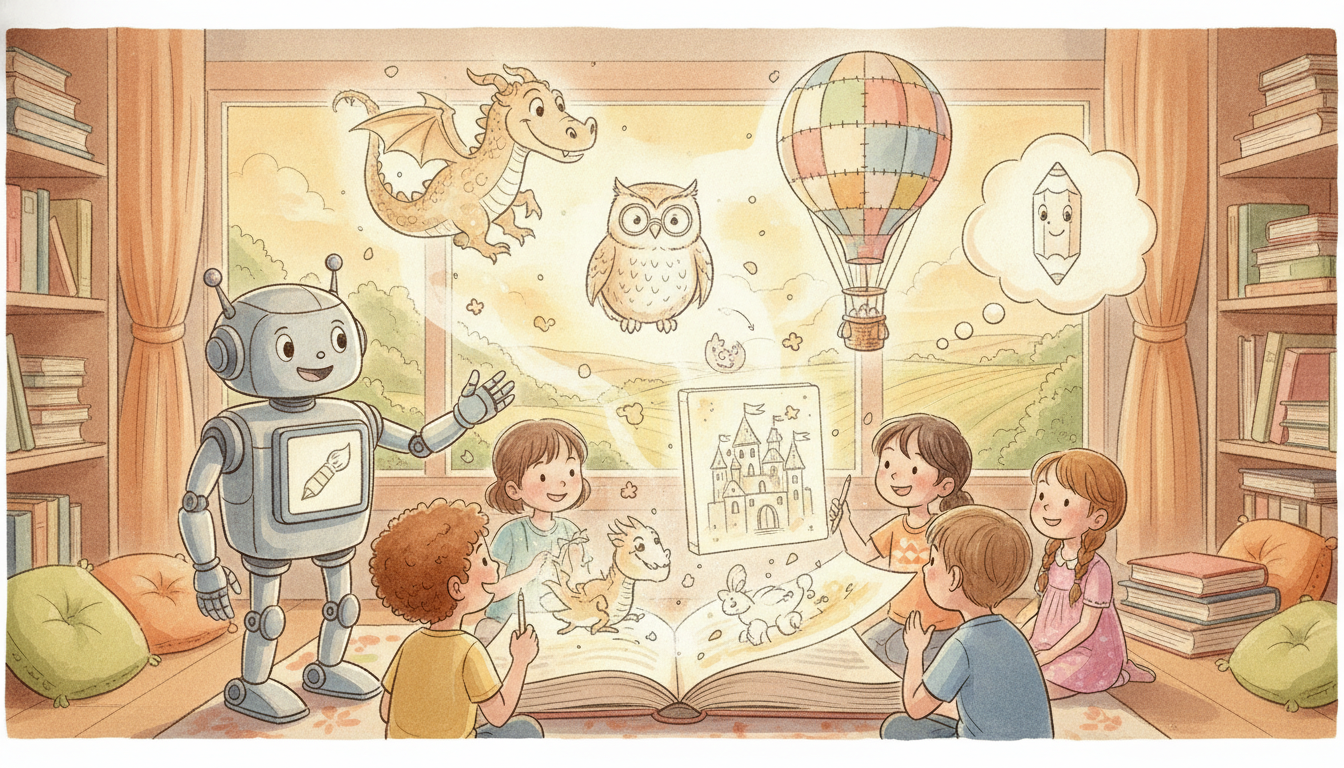
Most AI story book generators work in three steps: write a short prompt, choose an illustration style, and generate a page image. You can save the result or hit regenerate until it feels right. The images support your story, they don't replace it.
Start with a simple idea, like a lost kitten finding its way home, and build a page prompt around a single moment. Keep the text to a line or two, then let the illustration carry the emotion. You can iterate on expressions, backgrounds, or text placement until the page works. If something feels off, change one detail at a time rather than rewriting the whole prompt. Some tools let you zoom into a character's face or ask for a different lighting mood. That back-and-forth is part of the fun. The goal is to take the story words in your head and give them pictures that feel like they belong together. For an ai story book generator with pictures, the prompt is the brush and the model is the paint.
What about traditional routes for families who prefer hands-on creation?
If you'd rather not use AI, drawing your own illustrations gives you total control over character consistency, and the same character will look the same because you drew them that way. Hiring a freelance illustrator is another common path for parents who want professional art without learning a new tool. You can also mix hand-drawn elements with digital touches by scanning a crayon sketch and cleaning it up in an editor.
The trade-off is time and money. Drawing a full book by hand takes patience, and commissioning an illustrator can cost more than a print-on-demand book. Yet many families love the handmade feel. If you want a deeper background on styles and techniques, guides by Martin Salisbury on illustrating children's books are a helpful resource. For a lighter project, simple shapes and bold colors are enough to keep a 4-year-old turning pages. The best route is the one your family will actually finish together.
How do you make the story personal for the child in your life?
Include the child's name, a beloved pet, or their hometown to turn a generic tale into a keepsake they'll want to hear again and again. Keep the text to one or two short sentences per page for the 3-to-5 age range, since their attention span is still growing. Then think about how the finished book will be shared.
A printable PDF lets you print copies for grandparents, store the file on a shelf, or gift it for birthdays and holidays. You can even build a whole series around one character, which is where ai illustrations become especially handy because each new adventure can show the same hero. If you want free illustrations for children's books, some AI tools have free tiers that let you experiment before you pay. The personal details are what make a store-bought story feel like a family treasure, and they cost nothing to add.
What should you look for in an ai story book generator with pictures?
Look for character consistency, easy regeneration, and a clear path from page image to finished book. You also want a tool that lets you save your character's description so you don't have to retype it every time. If you are creating a gift, consider whether the tool exports a printable PDF.
Some AI story book generators allow you to tweak the text on each page alongside the image. Others focus on the art and leave the writing to you. Try one or two with a simple story first to see which feels natural. The right generator should feel like a helpful assistant, not another complicated app to learn. Tools like Fablekit make this easy by keeping your character consistent across every page, which is the detail parents care about most.
Frequently Asked Questions
Can an AI story book generator with pictures keep my character looking the same on every page?
Yes, if you describe the character the same way each time or upload a reference image. Some tools let you save a character seed, so the same friend appears from page 1 to page 20. It takes a little practice, but the consistency is worth it.
What illustration styles work best for children's books?
Watercolor, collage, and simple line art are popular because they feel storybook-like. When using an AI illustrations generator, name the medium in the prompt, like 'watercolor of a curious rabbit,' to get a cohesive look. The style should match the mood of your story.
Can I use AI-generated pictures for a children's book I want to sell?
It depends on the tool's license. Many generators allow personal use, and some offer paid plans for commercial use. Always check the terms on the specific platform before you publish.
How long does it take to make a personalized children's book with AI?
A short eight-to-twelve page book can be done in an evening if your story is ready. Most of the time goes into writing image prompts and regenerating pages. A tool like Fablekit helps speed things up by keeping the main character consistent.