Many parents dream of creating a personalized storybook for their child, something truly unique and special. Often, the idea of illustrating it yourself feels like an impossible task, especially if you don't consider yourself an artist. But what if I told you there's a new way to bring those stories to life visually, without ever picking up a paintbrush? Artificial intelligence is changing how we approach creative projects, and illustrating children's books is no exception.
Why is AI for Illustrations Simpler Than You Think?
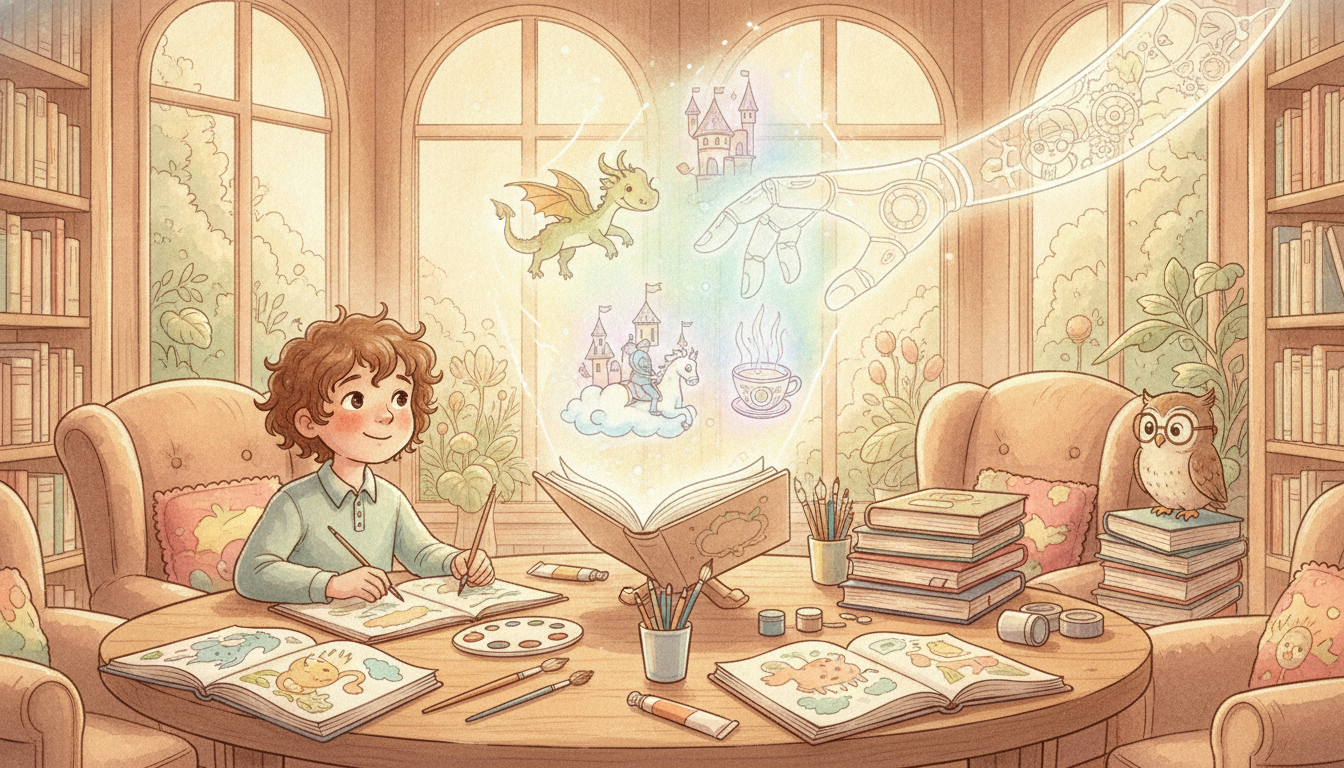
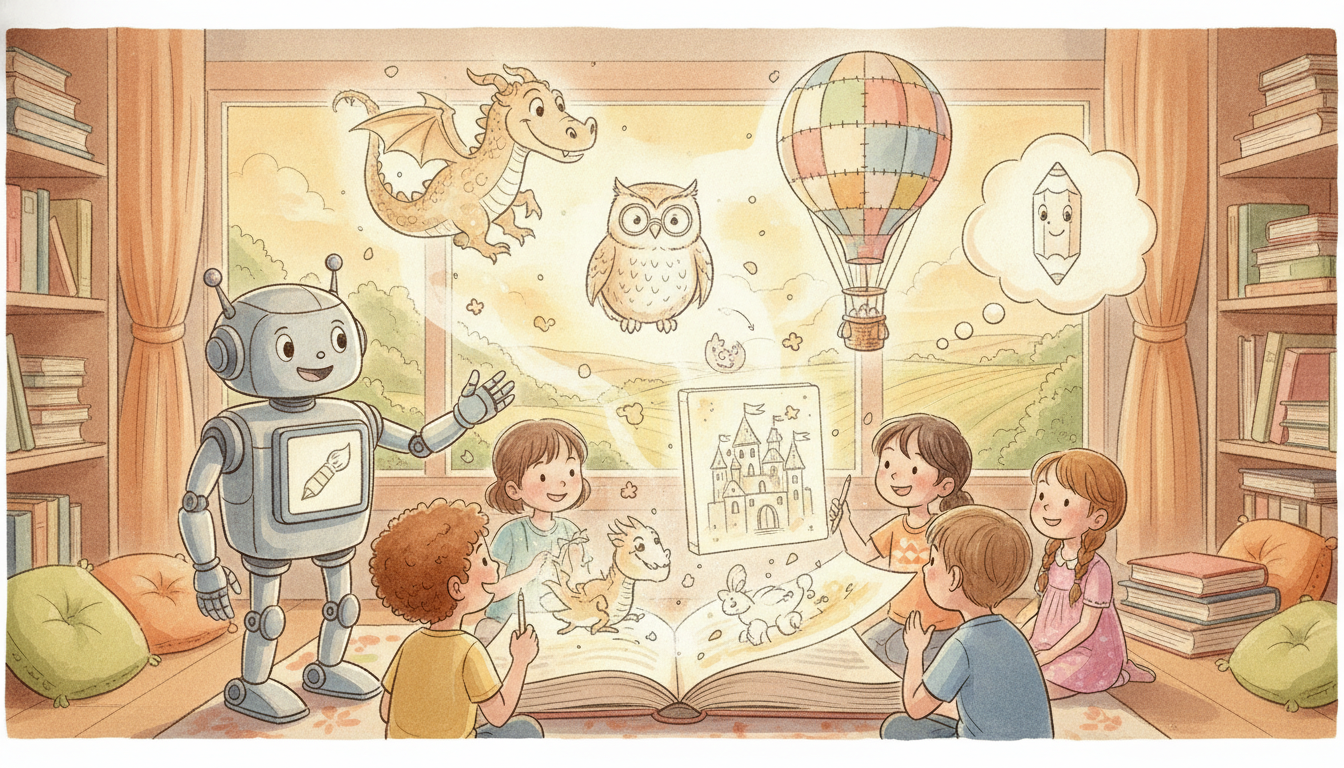
AI tools can generate images from simple text descriptions, removing the need for traditional drawing skills. Think of it as having a digital art assistant that understands your ideas and brings them to life visually. This means the biggest hurdle for many would-be storytellers, the art itself, suddenly becomes manageable.
Getting Started: What Kind of AI Tool Do You Need?
There are many different AI art generators available today, ranging from simple websites to more complex software. For parents and educators, look for tools that are easy to use and don't require technical expertise. These are often called 'text-to-image' generators, where you type what you want to see, and the AI creates it.
From Idea to Image: Writing Good 'Prompts'
The 'prompt' is the text you give the AI, telling it what to draw. Being specific helps a lot. Instead of just typing 'a cat', try something more descriptive like 'a fluffy orange cat wearing a tiny blue hat, sitting on a red cushion'. You can also experiment with different words to get the style you want, such as 'watercolor style', 'cartoon drawing', or 'bright and cheerful' to match the mood of your story. The more detail you provide, the closer the AI will get to your vision. It's a fun process of trial and error, learning what works best.
Keeping Your Character Consistent Throughout the Story
One of the biggest challenges in illustrating a storybook with AI is making sure your main character looks the same on every page. Fortunately, some AI tools are specifically designed to help with character consistency. These tools often let you 'train' the AI on a particular look, feeding it several images of your character so it learns their unique features. This feature is incredibly helpful for creating a cohesive story where the child recognizes their favorite character every time they turn the page. Tools like Fablekit make this easy by focusing on character consistency from the start.
Beyond the Basics: Editing and Refining Your AI Art
Once the AI generates an image, you might want to make small adjustments, like cropping, resizing, or adding text overlays. Simple photo editing software, even free ones available online, can be used to tweak colors or combine elements. The goal is to use AI as a powerful starting point, then refine the images to perfectly fit your story's vision and make them truly your own.
Frequently Asked Questions
Do I need to be an artist to use AI for illustrating children's books?
No, you don't need any drawing skills. AI illustration tools generate images from text descriptions, so your ability to describe what you imagine is more important than your artistic talent.
What is a 'prompt' when using AI for illustrations?
A 'prompt' is the text command you give to the AI tool, instructing it on what image to create. Being clear and descriptive in your prompt helps the AI generate images closer to your desired outcome.
How can I make sure my character looks the same on every page with AI?
Some advanced AI tools offer features to maintain character consistency. This often involves providing the AI with reference images of your character so it can learn and replicate their appearance across different scenes.
Can I edit the images created by AI?
Yes, you can absolutely edit AI-generated images. Basic photo editing software can be used to crop, resize, adjust colors, or add text, allowing you to personalize the art further.