Creating illustrations for a children's book used to require artistic talent or a budget for an illustrator. Now, with the help of AI, parents and educators can bring their stories to life visually, even if they can't draw a stick figure. This guide will walk you through the simple steps to craft engaging images for your unique tales.
What are the basics of AI prompting pictures?
AI prompting pictures involves giving descriptive text instructions to an AI tool, which then generates an image based on your words. Think of it as telling a very literal artist exactly what you want to see. The more detailed your description, the closer the AI will get to your vision.
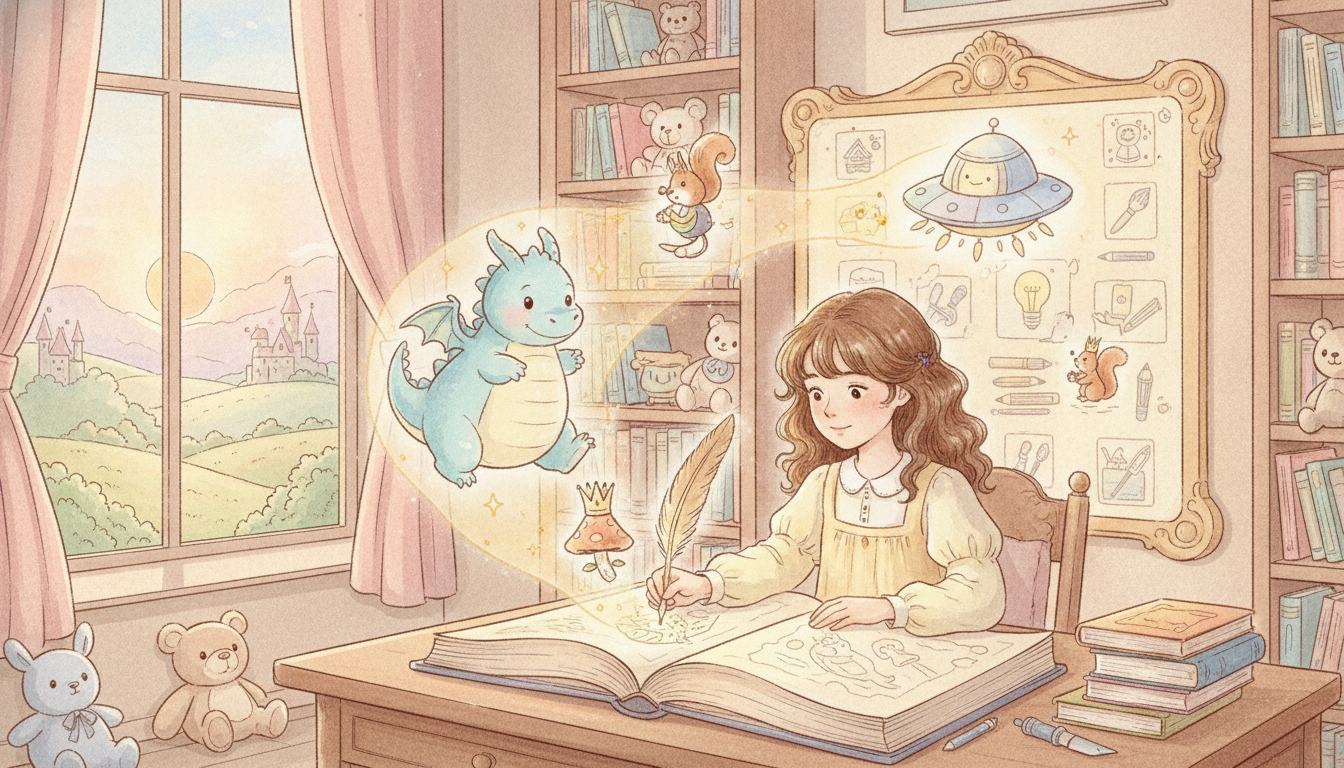
Start with your main subject. For a children's book, this might be 'A curious squirrel,' 'a friendly dragon,' or 'a child reading a book.' Once you have your subject, add actions and emotions to make the scene dynamic. For example, 'A curious squirrel holding an acorn and looking surprised' or 'a friendly dragon smiling while flying over a castle.' These simple additions begin to build a narrative within your image, making it more engaging for young readers.
How do you add style and setting to AI illustrations?
To give your AI-generated images a specific look, describe the visual style you want right in your prompt. Words like 'watercolor,' 'cartoon,' 'storybook illustration,' 'pastel,' or 'digital art' are incredibly helpful for guiding the AI's artistic output. These ai prompt illustration styles can drastically change the mood of your images.
Next, set the scene. Giving context to your characters makes the illustrations feel more grounded. Try phrases like 'in a lush forest,' 'on a cozy cloud,' or 'in a brightly lit kitchen.' You can also consider the time of day or weather, adding details such as 'a sunny afternoon,' 'a starry night,' or 'a gentle rain shower.' These elements create a rich environment for your story, enhancing the overall storytelling for children's books.
Tips for Consistent Characters and Scenes
Maintaining character consistency across multiple illustrations is key for a cohesive children's book. Always use the same core description for your character in every prompt. For instance, consistently say 'a red fox with a fluffy tail, wearing a small blue backpack' instead of just 'a fox' to help the AI keep them uniform.
Many AI tools allow you to upload an initial image of your character as a reference, which can be a powerful way to guide future prompts. This helps the AI understand the visual identity of your character. As you think about your story, prompt for images that flow naturally from one page to the next, ensuring the setting and your character's appearance remain consistent. This attention to detail makes the reading experience much smoother for young eyes, especially when thinking about how to prompt ai for illustrations for a whole book.
How can you avoid common pitfalls when prompting AI?
To get the best results, avoid overly complex or long sentences in your prompts. Break down your ideas into shorter, clearer phrases. AI models process information more effectively when it's concise and direct.
If an image isn't quite right, resist the urge to just hit 'regenerate.' Instead, try tweaking a few words in your prompt. For example, if 'a happy dog' isn't working, try 'a joyful golden retriever wagging its tail.' Remember that AI is a tool, not a mind reader. It might not always get it perfect on the first try, and that's completely okay. Experimentation is part of the process, and small adjustments can lead to big improvements in your illustrations.
Bringing Your Storybook to Life
Once you have a collection of illustrations, carefully consider how they fit with your written story. Do they enhance the text? Do they capture the emotion and action you're describing? Sometimes, seeing the image will even inspire you to refine your writing.
Don't hesitate to experiment with different prompt styles for different parts of your book. A whimsical dream sequence might call for a different style than a realistic scene set in a school. Creating custom illustrations with AI can make your personalized children's book truly unique, captivating the imagination of young readers. Tools like Fablekit make this easy, helping you blend your words with beautiful, consistent images to tell your special story.
Frequently Asked Questions
What kind of details should I include in an AI prompt for children's book illustrations?
Include the subject, their action or emotion, the desired art style (e.g., 'watercolor,' 'cartoon'), and the setting. The more descriptive you are, the better the AI can visualize your specific scene.
How do I make sure my character looks the same in every AI-generated picture?
Use a consistent, detailed description for your character in every prompt. If the AI tool allows, upload an initial reference image of your character to help maintain visual consistency across all illustrations.
Can AI help me illustrate a whole personalized children's book?
Yes, AI can be a powerful tool for illustrating an entire personalized children's book. By using consistent prompts and iterating on your designs, you can create a cohesive set of images that perfectly match your story.
What if the AI image isn't exactly what I wanted?
If an image isn't perfect, try refining your prompt by changing a few words or adding more specific details. Small adjustments often lead to significant improvements, rather than starting over completely.