If you are making a children's book at home, AI illustrations can save time and money. But before you upload your story to a publisher, you need to understand the copyright rules and check the image quality. This guide walks you through the legal side, the visual side, and the practical steps for deciding whether AI art is the right fit for your project.
Can I Legally Use AI Illustrations in a Published Children's Book?
Yes, you can, but only if the AI tool you used grants you the right to use the image commercially. Check the platform's terms of service before you upload anything to a publisher. Some tools allow free use, while others restrict commercial work or require a paid plan. Copyright law is still catching up to AI art. In many places, only a human can be the author of a work, so the image may not have traditional copyright protection. Instead, you rely on the license from the AI service. Treat that license like a contract. Save a copy of the terms, along with the date and the prompts you used, in case a publisher asks for proof. If you are unsure, contact the tool's support team or talk to a lawyer who understands digital publishing. It is much easier to sort this out before you format the book than after a print run.
What Resolution and Quality Do AI Images Need for Print?
Aim for at least 300 DPI at the final printed size. A lower resolution may look fine on a phone but will appear blurry or pixelated on paper. Check the image dimensions before you download. AI generators often create square images that are large enough for web but not for an 8.5 by 8.5 inch picture book. If the file is small, look for an upscaling tool that preserves edges. Then zoom in and inspect details like hands, eyes, and background lines. AI can produce odd artifacts, extra fingers, wobbly text, or smeared edges. These can sometimes be fixed with a touch-up in a simple editing program. You do not need to be a designer to clean up a small blemish, but you do need to look carefully at every page before committing to print.
How Do I Keep AI Characters Consistent Across Pages?
Use a detailed character reference sheet and include it in every prompt, or use a seed value if your tool supports it. Even then, expect some variation and plan to edit. Many people generate all illustrations in one sitting to keep the style similar. A reference sheet can describe hair color, eye shape, clothing, and distinguishing details like a red backpack or a freckle. If the tool offers a character or style lock, use it. After generation, place the images side by side and compare. You may need to regenerate a page a few times to get the face right. Some parents use tools like Fablekit to assemble and preview the full storybook, which makes it easier to spot inconsistencies before you publish. It is also a good idea to set the story in one season or location to avoid dramatic shifts in lighting or background.
Publishing Platform Requirements for AI Art
Self-publishing services, including Amazon KDP, ask you to confirm that you own the rights to everything inside the book. That includes illustrations. If you use AI art, you need to be able to show the license allows commercial use. Keep a copy of the terms of service and any generated prompts or receipts. When you upload your file, follow the platform's specifications. Most services accept PDF or high-quality JPEG, and they recommend CMYK for color print. RGB images can look washed out or oversaturated on paper. Also check the bleed and margin requirements so no art gets cut off. Do a test print of one or two pages before ordering a full proof. This is the stage where a small issue becomes an expensive mistake. Give yourself enough time to re-export the file if the colors do not match.
Should I Use AI Art or Hire an Illustrator?
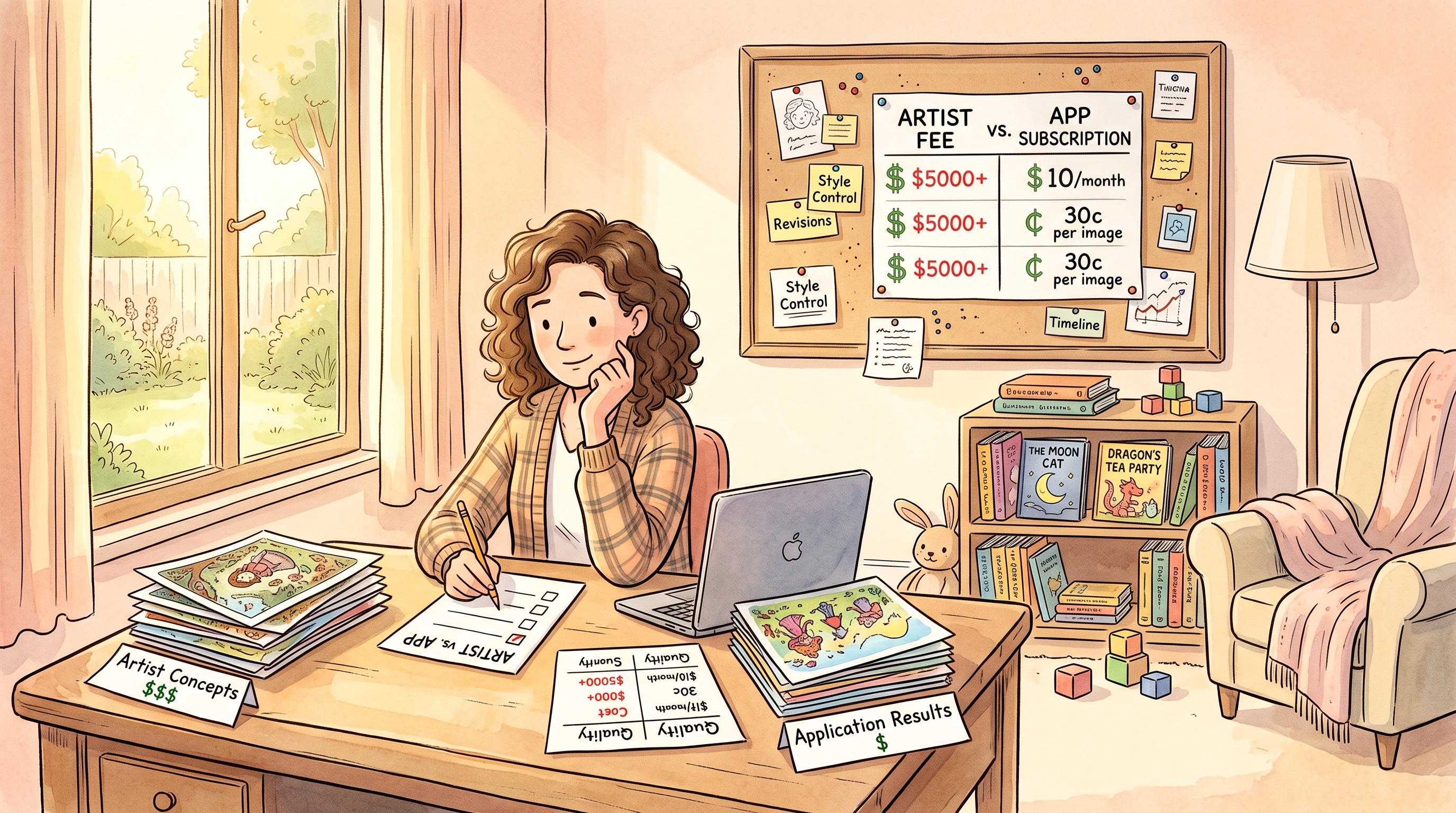
It depends on your budget, timeline, and how important a unique artistic style is to your story. AI art is fast and inexpensive, which makes it great for mock-ups, personal books, or testing a story idea. A human illustrator gives you guaranteed originality and easier copyright clearance. If you are making a one-off gift for your child, AI art may be more than enough. If you plan to sell thousands of copies, an illustrator can create a cohesive look that no AI tool can match. You might also combine approaches: use AI to sketch the layout and character ideas, then hire an illustrator to produce the final art. Whatever you choose, get the rights in writing and keep them for your records. The cheapest option is not always the best one, but the expensive option is not necessary for every project.
Next Steps for a Polished Self-Published Book
Once you have your images, review them as a full story, not as individual files. Print a draft or read it on a screen in book format. Look for pacing, text placement, and visual clarity. Ask a friend or your child to look at the pages and tell you if anything feels confusing. Finally, decide what kind of book you are making. A family keepsake does not need the same production values as a commercial title. Set your standards accordingly. If you are happy with the quality and the rights are clear, move forward with confidence. Self-publishing is a learning process, and every book you make will teach you something for the next one.
Frequently Asked Questions
Can I sell a children's book with AI-generated illustrations?
Yes, if the AI tool's terms of service allow commercial use. Check the license for restrictions on selling or distributing the images. Save a copy of the terms in case the publisher asks for proof.
What resolution should AI illustrations be for a printed picture book?
Use images that are at least 300 DPI at the final print size. Lower resolution will look pixelated on paper. Check the file dimensions before you download and upscale if needed.
How do I make AI characters look the same on every page?
Create a detailed character description and use it in every prompt. If the tool offers seed values or a character reference feature, use it. Generate all images in one session and compare them side by side.
Do I need to tell a publisher that the illustrations were made by AI?
Some self-publishing platforms ask about AI-generated content, and you should answer honestly. They may also require you to confirm you have the rights. Review the specific guidelines for the platform you plan to use.
Is AI art better than hiring an illustrator for a kids' book?
It depends on your budget and goals. AI art is faster and cheaper, while an illustrator provides a unique style and clearer copyright ownership. Many families use AI for personal books and hire a human for commercial projects.